New POS
New POS This screen is used to add a new Point of Sale (POS) terminal to the system.
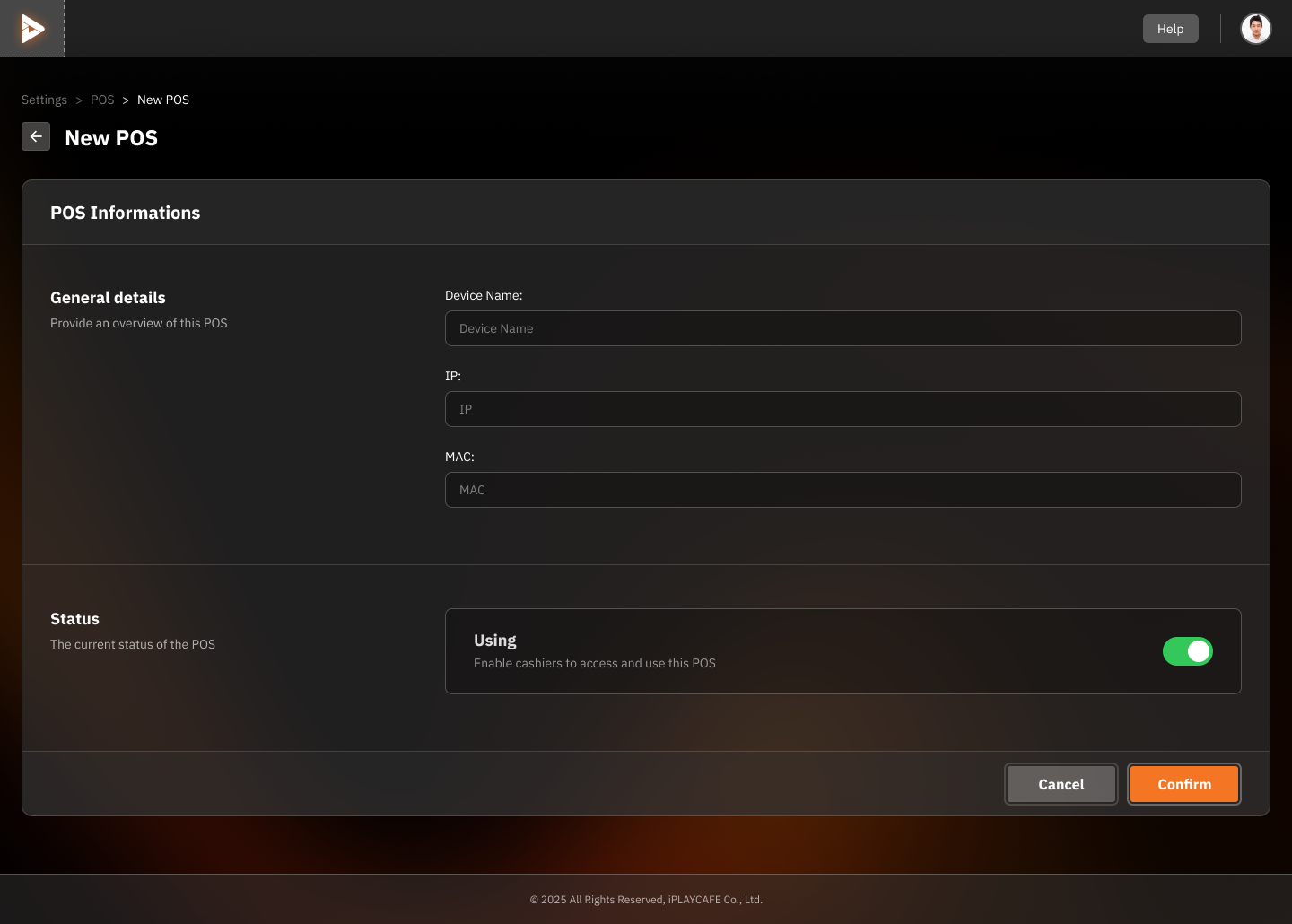
General Details
Device Name: Enter a name for the POS terminal (required).
IP: Enter the IP address of the POS terminal (required).
MAC: Enter the MAC address of the POS terminal (required).
Status:
Using: Enable this to make the POS terminal accessible to cashiers.
Action Buttons
Cancel: Discard the information and cancel adding the new POS terminal.
Confirm: Save the information and add the new POS terminal.
Was this helpful?
Still need help? Ask the team