Configurations
Configurations
Displays options for settings related to managing computer stations within the system.
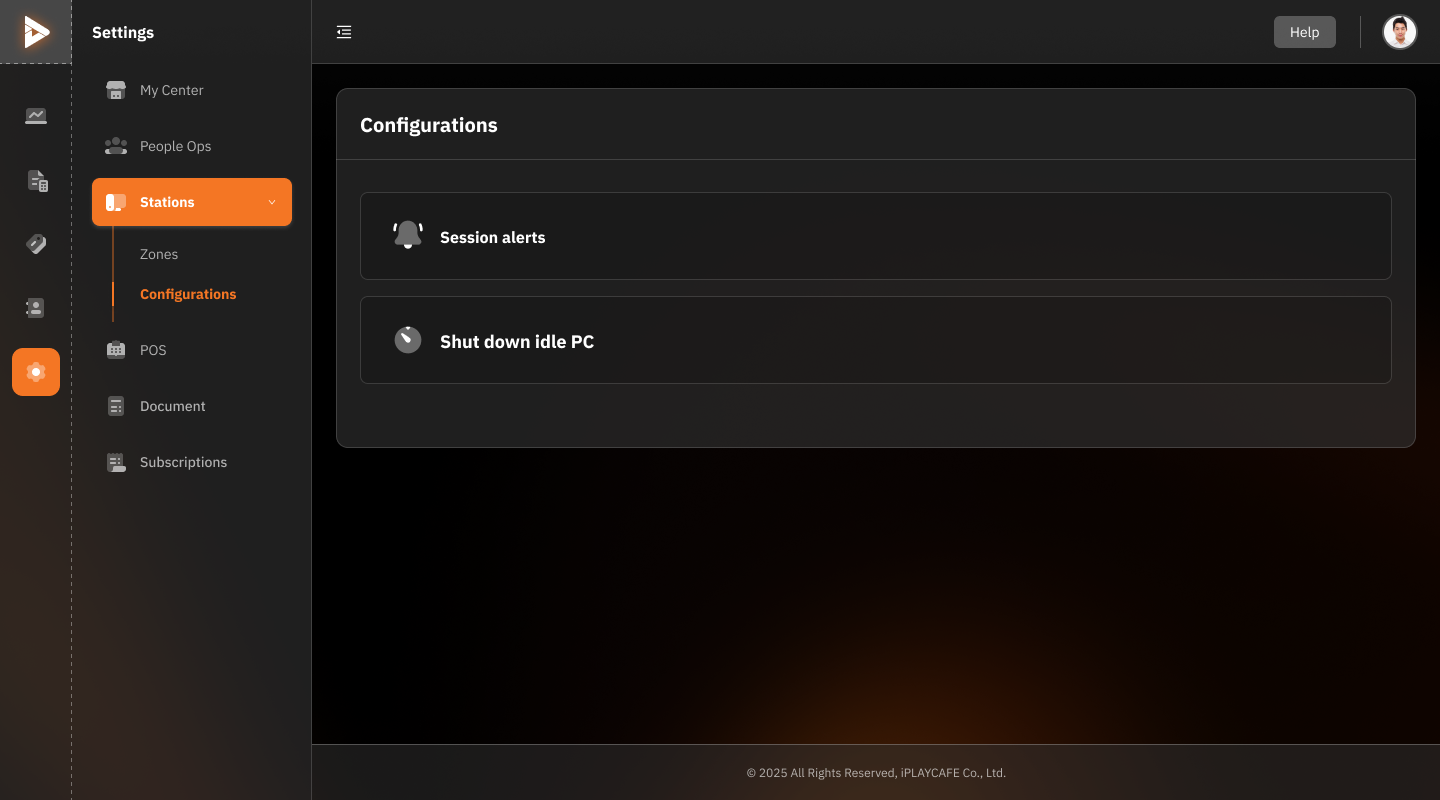
1. Session Alerts
Description:
Alerts regarding the usage status of sessions.
This may include alerts when usage exceeds the specified time or alerts for closing sessions.
Function:
Helps system administrators track customer usage more easily.
2. Shut Down Idle PC
Description:
Settings to automatically shut down computers when they are idle for a certain period of time.
Function:
Reduces unnecessary energy consumption.
Protects machines from being left unattended.
Suitable for:
Centers that want to reduce energy costs and improve management efficiency.
Application:
Administrators can turn these features on/off as needed to improve station management efficiency.
Suitable for settings in centers with a large number of users and stations to make maintenance more convenient.
Was this helpful?
Still need help? Ask the team