My Centers
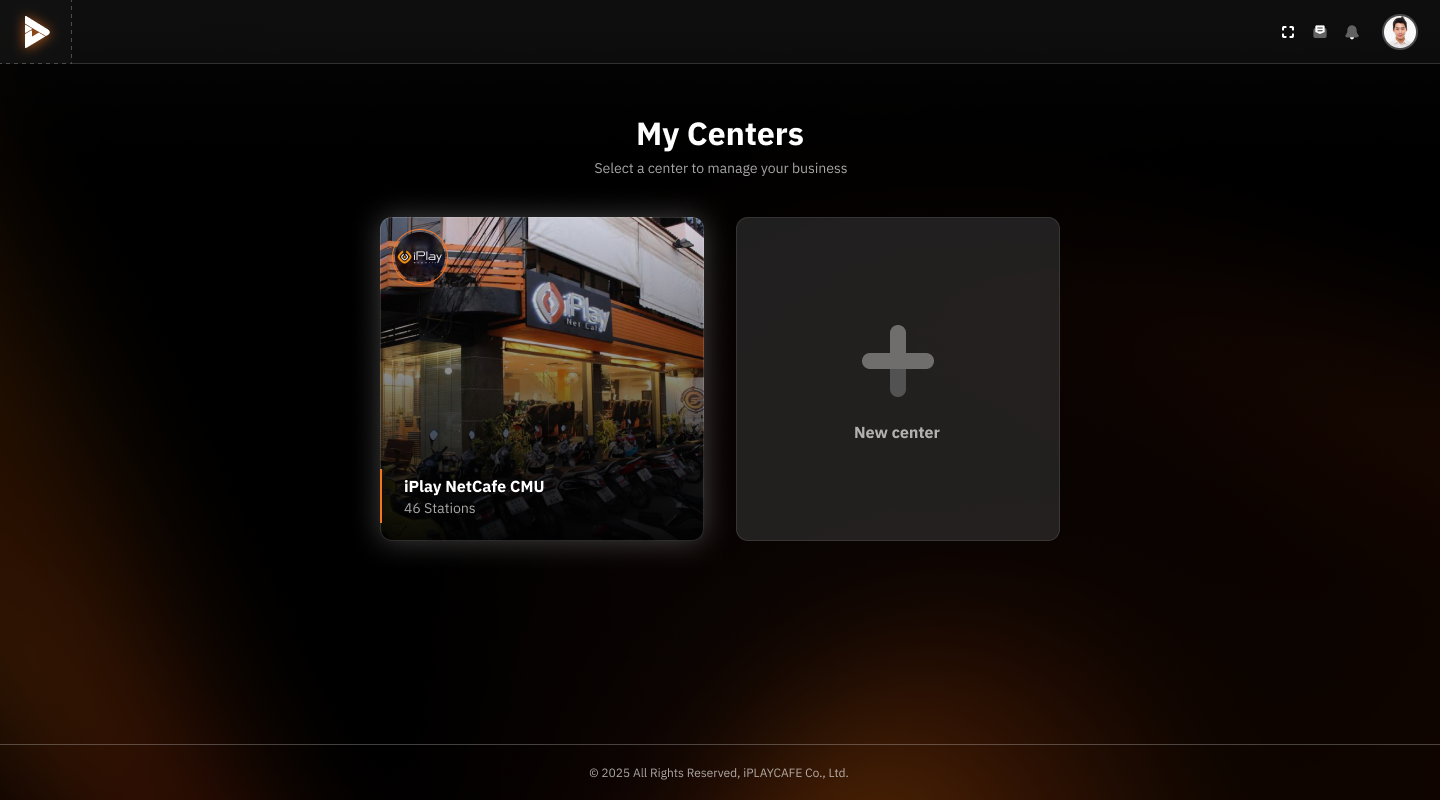
Select an Existing Center:
Click on the image or name of the center (e.g., "iPlay NetCafe CMU") to access the management of that existing center.
The details displayed for each center will include the number of available PCs (e.g., 46 Stations).
Create a New Center:
If you want to add a new center, click on the "New center" box with the plus sign (+).
The system will take you to a page where you can enter information about the new center.
Account Settings Menu (Top Right):
Click on the profile icon (user image) to access account settings.
Use the notification icon or other settings menus available in this area.
Log Out or Switch Windows:
If you want to leave this screen, click the back arrow button (icon in the top left corner).
Was this helpful?
Still need help? Ask the team