Customization
Customization
This customization allows you to adjust the header of your documents, such as receipts or business-related documents. You can specify the information to be displayed as needed.
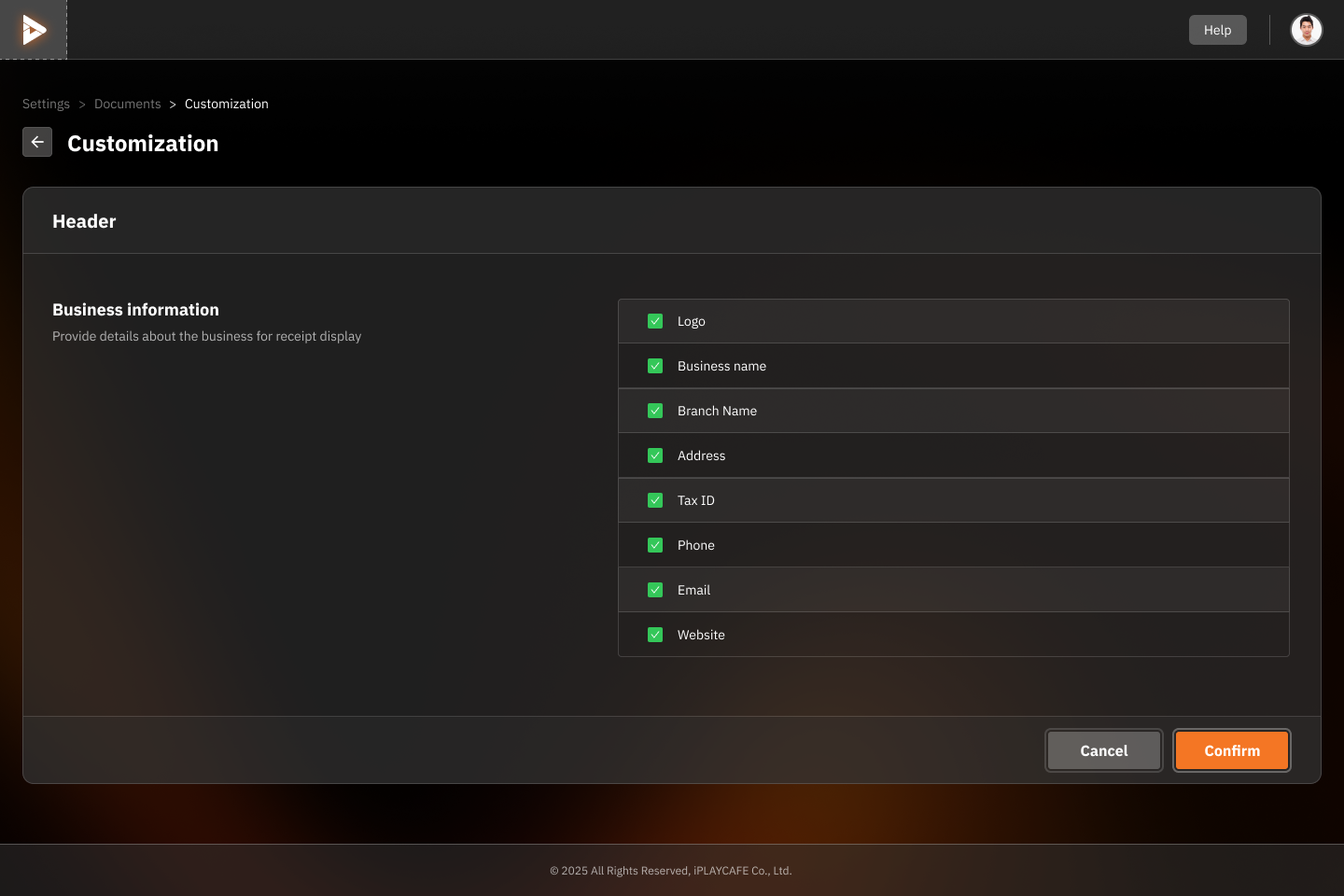
Business Information
You can choose to show or hide the following information:
Logo: The logo of the store or branch.
Center Name: The name of the store or branch (centered).
Business Name: The name of the business.
Branch Name: The branch name of the business.
Address: The address of the store or branch.
Tax ID: The tax identification number.
Phone: The telephone number.
Email: The email address of the store or branch.
Website: The website of the store or branch.
Confirmation Buttons
Confirm: Click to save the settings.
Cancel: Cancel the settings and return to the previous page.
Instructions
Select the information you want to display in the document header by clicking the checkbox in front of each item.
To cancel the display of any information, uncheck the checkbox.
Once the customization is complete, click the "Confirm" button to save.
Was this helpful?
Still need help? Ask the team